macOS comes with strong built-in protections, and that’s a big reason people trust Macs. Still, secure by default doesn’t mean invincible. Malware exists for Macs, and it often slips in through fake updates, sketchy downloads, or sneaky browser add-ons. Here’s how to spot the warning signs before the problem grows. Frequent system crashes and slowdowns […]
Is your Mac acting weird? A practical checklist for spotting malware
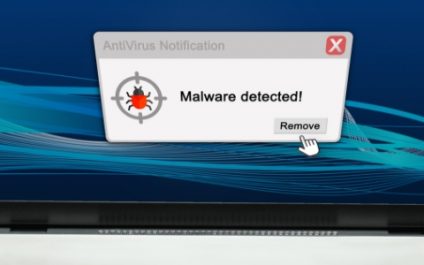
Warning signs your computer has malware
With the rise of eCommerce and online banking, cybercrime has evolved. Like criminals who pull smash-and-grab jobs, they go where the money is. However, unlike bank robbers, cybercriminals do their best to avoid detection by letting malware do the work for them. Viruses and ransomware sneak into PCs to quietly steal passwords, financial credentials, and […]
How to find out if your computer has a virus
Your computer has been acting up a lot lately. It keeps crashing, it’s slow and, to top it off, you keep getting pop-ups you don’t want to see. If these problems keep occurring then your computer may have a virus. So is there a way to prevent things like this from happening again? While there […]
Control How Pop-ups Behave in Internet Explorer 8
Most people associate pop-ups with annoying advertisements that must be closed to continue reading the web page underneath. However, there are times when you need pop-ups to use a webpage as it was intended to be used. Learn to control how pop-ups behave when using IE8 on the web. Read more